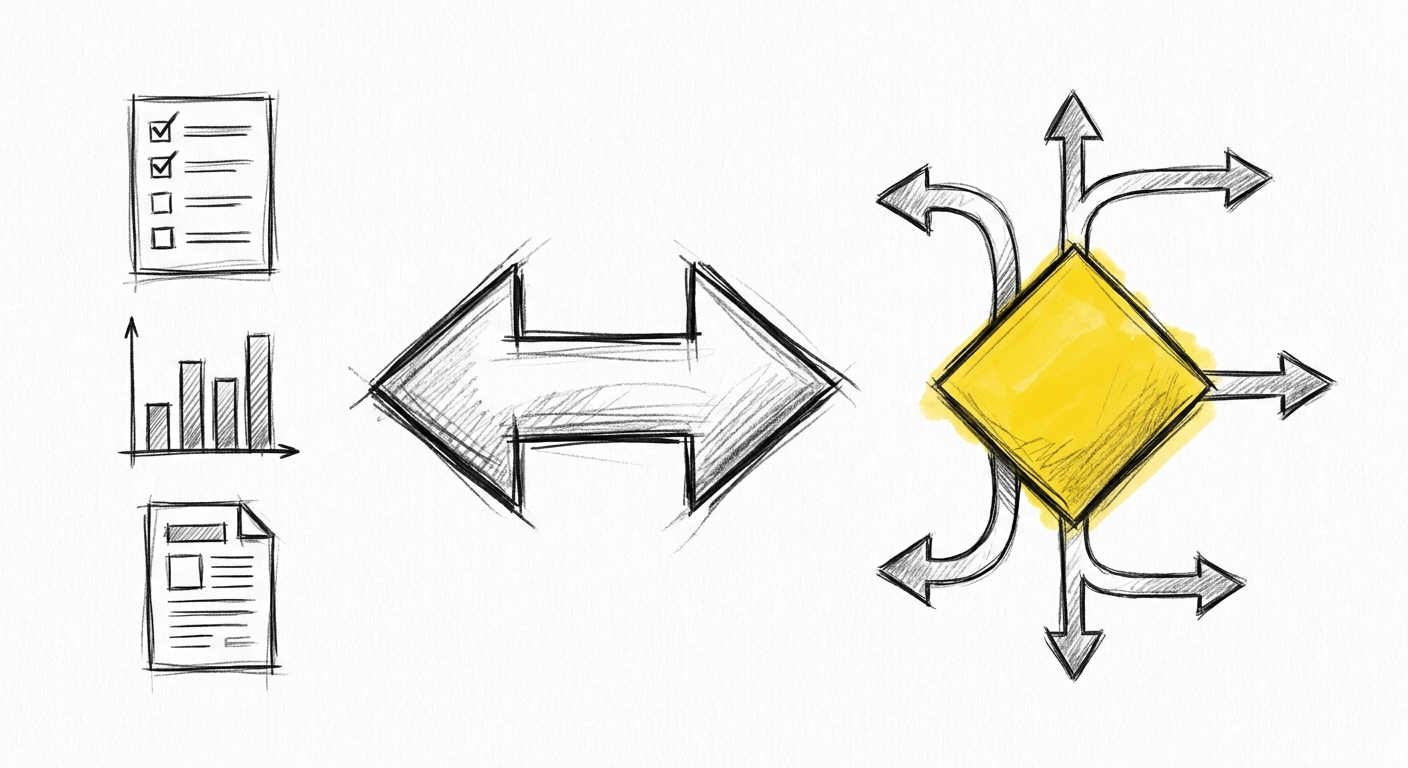
What to automate and what to own
The question most project managers ask about AI is the wrong one: "Can Claude do this?" The answer is almost always yes — at least at a surface level. Claude can draft a status update, compile a sprint summary, format a stakeholder briefing, or write a risk register entry.
The right question is different: "Where does the value in my work actually come from?"
The answer to that question tells you what to automate and what to protect.
Where PM value comes from
A project manager's value is not in compiling data. It is in knowing what the data means — for this project, this client, this risk landscape, at this moment in the delivery timeline.
That interpretation requires context AI does not have. Not because AI is incapable of pattern-matching across similar projects — it can do that. But because the specific context of your project, the relationship dynamics, the unstated stakeholder priorities, the history of what was promised and what was delivered — these are in your head, not in a document Claude can read.
That contextual judgment is the value. Protect it by using AI for everything else.
What to automate
These categories of work are strong candidates for delegation to Claude:
Aggregation. Pulling together status updates from multiple sources into a single formatted summary. Compiling weekly updates from team members into a coherent team status report. Extracting data from tickets and producing a summary of where the sprint stands.
First drafts. Status reports, meeting agendas, action item lists, project briefs. Claude produces a structured first draft fast. Your job is to edit it for accuracy and add what Claude does not know — the context, the nuance, the things that are true but not written down anywhere.
Formatting and reformatting. Converting a dense bullet-point update into a narrative for a steering group. Reformatting a technical summary for a non-technical audience. Adjusting a document for a different context or reader.
Research aggregation. Summarising documentation, pulling relevant sections from large documents, compiling background on a topic. Claude handles this reliably. Verify the key claims before using them.
What to own
These categories require your judgment and cannot be meaningfully delegated:
Priority decisions. What goes into this sprint? What gets deferred? When two stakeholders want different things, whose need takes precedence? These are judgment calls under constraint. Claude can surface the trade-offs. You decide.
Scope assessment. A change request comes in. Is it in scope? Does it require a formal change order? What does it cost in time and risk? This requires your knowledge of the contract, the relationship, the delivery history, and what this stakeholder actually needs versus what they asked for.
Stakeholder relationship management. How you frame a delay. How you handle a difficult conversation. What tone is right for this client at this moment. Claude can draft language. You own the relationship the language exists within.
Risk interpretation. Every project has risks. Identifying them in a risk register is something Claude can help with. Assessing which risks are actually material given the specific delivery context — that requires your read of the situation.
The mapping exercise
The most useful thing you can do with this framework is apply it to your actual work.
Take your last week. For each significant task, place it in one of three categories:
Aggregation — compiling, compiling, formatting, structuring data that already exists. Drafting — writing first versions of things that will be reviewed and edited. Judgment — decisions, assessments, interpretations, relationship management.
Aggregation and drafting are strong candidates for AI assistance. Judgment is where you add irreplaceable value.
If you find that most of your week is aggregation and formatting, AI can give you significant time back. If most of your week is already judgment-heavy, AI will accelerate the parts that feed into those judgments — the research, the data pull, the first draft — and give you more time with the interpretation.
What comes next
Part 2 covers the practical setup: how to connect Claude to your reporting workflow, what it produces well, and what you must verify before it reaches a stakeholder.
Next in this series: Part 2 — Claude in your reporting workflow